Before and after examples


AI photo editor
Edit, enhance and transform product photos with AI for ecommerce, marketplaces, ads, and social media.
We route you to the best existing SalesBooster flow for your selected goal.
Editing goal
Remove Background
Remove background is available without login. Generation flows use your SalesBooster balance (4 stars for a new generation, 2 stars for improve).
From a quick source shot to clean commercial output in a few steps.
Before and after examples
Marketplace-ready outputs
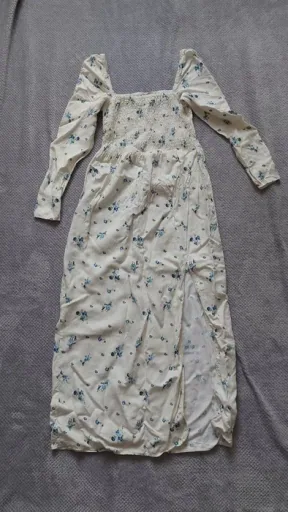
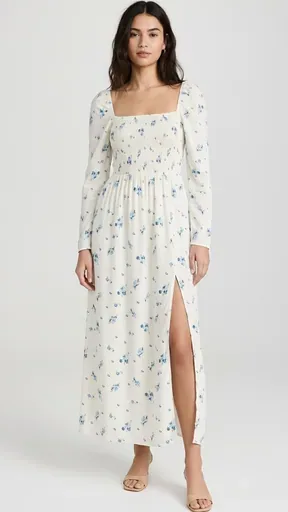
Product photo editing use cases
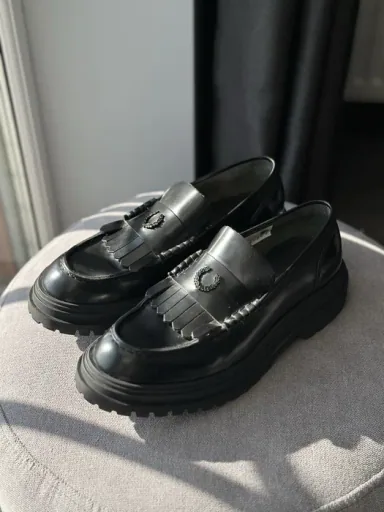
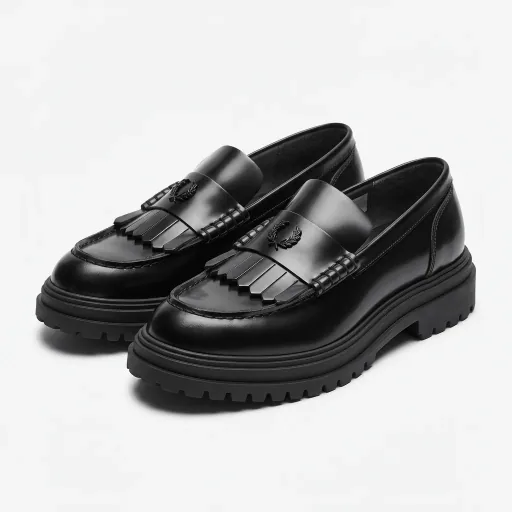
Prepare visuals for Rozetka, Prom.ua, Allegro, Amazon, Mercado Libre and your own online store.
Marketplace PhotosAn AI photo editor uses artificial intelligence to improve, transform or adapt photos without manual retouching in a complex design tool.
Yes. SalesBooster helps turn product photos into cleaner marketplace images, studio visuals, lifestyle scenes, infographics and ad creatives.
Yes. You can remove a background and continue into SalesBooster flows that create new product-photo contexts.
Yes. It is designed for ecommerce and marketplace sellers who need product images for listings, ads, catalogs and social media.
No. Choose a goal, continue to the matching SalesBooster tool and create images without advanced design skills.
Yes. Product photos can be used as a starting point for ad creatives, product infographics and social visuals.
No. It is a focused entry into SalesBooster ecommerce flows for product photo enhancement and transformation.
Background removal is available without login. Generation and transformation flows use your SalesBooster account.
A new generation uses 4 stars. Improving an existing version uses 2 stars.
Choose a goal and launch the best matching SalesBooster flow.