What SalesBooster creates by category
- Studio product photos
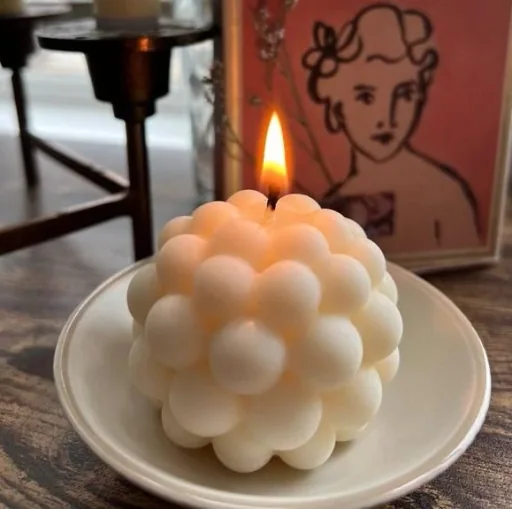
- Lifestyle scenes
- Close-up details and textures
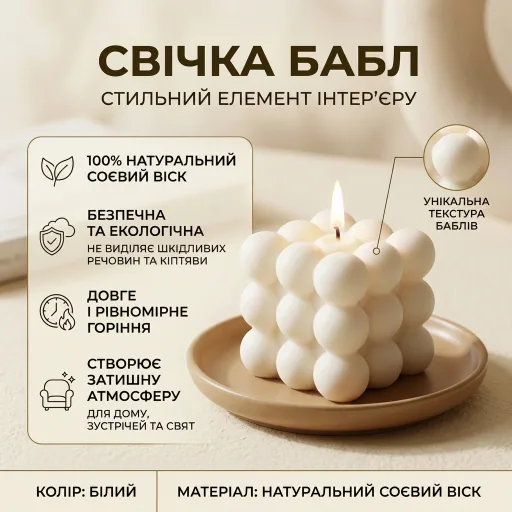
- Infographics with selling highlights
Product categories
SalesBooster helps you choose the visual direction that fits your product category.
Choose categoryClothes
AI visuals for "Clothes"
Open category
Electronics
AI visuals for "Electronics"
Open category
Home goods
AI visuals for "Home goods"
Open category
Toys
AI visuals for "Toys"
Open category
Books
AI visuals for "Books"
Open category
Beauty
AI visuals for "Beauty"
Open category
Accessories
AI visuals for "Accessories"
Open category
Food
AI visuals for "Food"
Open category
Category recommendations help you create marketplace-ready visuals faster.
Studio-ready result
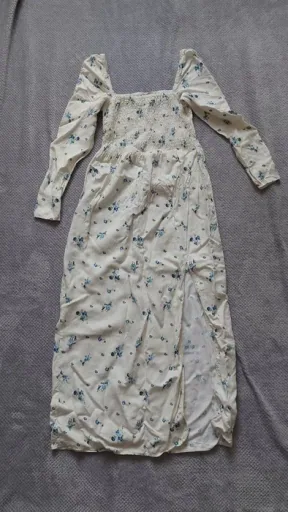
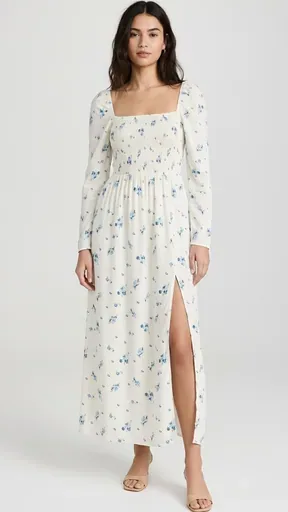
Detail-focused visual
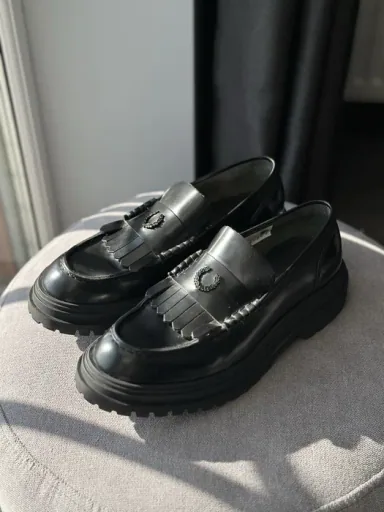
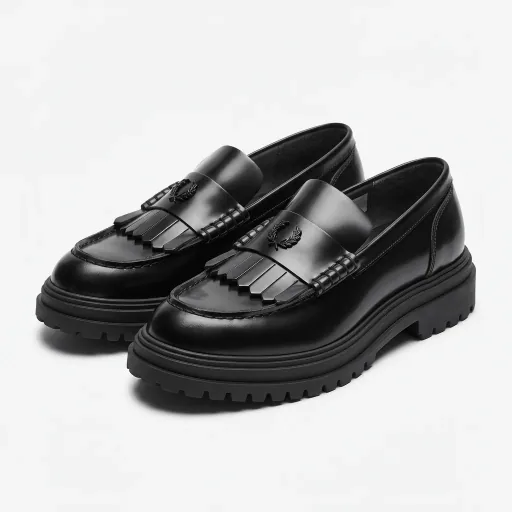
Benefit infographic
No. It is an informational entry into existing SalesBooster workflows.
clothes, electronics, home, toys, books, beauty, accessories, food.
A new generation uses 4 stars. Improve uses 2 stars.
Open a category page and continue with the best matching SalesBooster flow.
Start now